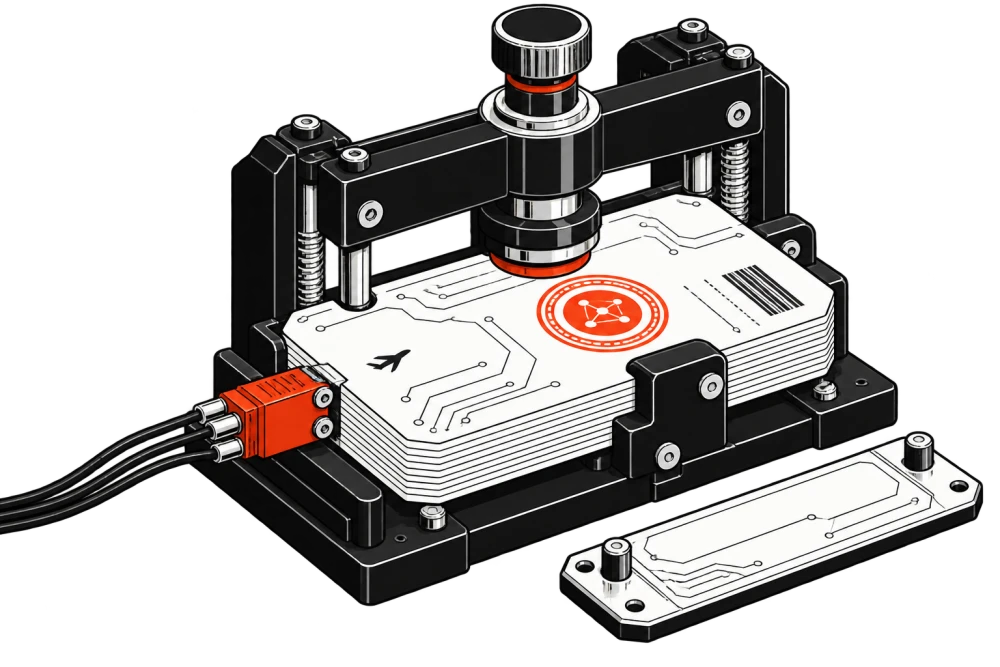
A .pkpass is a ZIP archive with a strict top-level layout. A signature failure is often caused by one changed byte, one nested directory, or one file missing from the manifest.
event.pkpass
pass.jsonmanifest.jsonsignatureicon.pngfilesSHA-1manifest.jsonPKCS#7signature
Start with manifest.json and SHA-1
The manifest maps each pass file to its SHA-1 digest. Hash the exact bytes stored in the archive. One changed newline, recompressed image, or case change produces a different digest.
{
  "pass.json": "9f86d081884c7d659a2feaa0c55ad015a3bf4f1b",
  "icon.png": "2bb80d537b1da3e38bd30361aa855686bde0ba9a"
}
The detached PKCS#7 signature
The signature file signs the exact bytes of manifest.json. Signing a different serialization will fail verification.
Certificate chain and packaging
The signing certificate must be valid for pass signing and chained to the Apple WWDR intermediate and a trusted root. Check the team identifier, private-key pairing, top-level ZIP layout, MIME type, and delivered bytes.
Pre-rebuild checklist
- Confirm the archive root layout.
- Recalculate every manifest SHA-1 from archive bytes.
- Verify the signature against the exact manifest.
- Inspect the full certificate chain and team identifier.
- Download the delivered file and compare its hash.